Google Assistant

Google Assistant

star star star star star star star star star star
4.7
1,037 ratings
Screenshots
Google Assistant screenshot

Information

  • Category:
    Productivity
  • Price:
    Free
  • Age Rating:
    Everyone
  • Rating:
    4.7
  • Downloads:
    5.00B
  • Version:
    1.9.148701

Download Google Assistant, the leading AI assistant app, for efficient voice control and smart home integration. Get the latest version now and simplify your life!


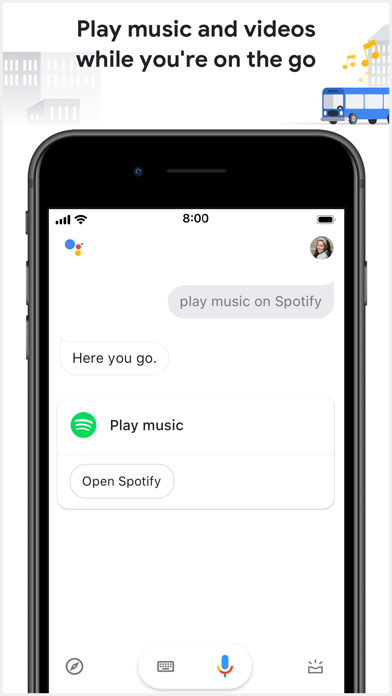
Google Assistant, developed by Google, is the voice assistant behind Google Home smart speakers and Android phones. Developers can create actions on the Google platform to connect their own apps or products. Users can use Google Assistant to control Android apps, play music, get information, manage daily tasks, and control smart home devices via voice commands.


How to get Google Assistant on your Android phone?


The Google Assistant app is available for devices running Android 7.0 or later. If needed, update your operating system and then go to the Google Play Store to download the app.


How to use Google Assistant?


To launch Google Assistant, you can long-press your device's Home button or say "Hey, Google" or "Okay, Google." Typically, you only need to do this the first time you start a conversation with Assistant; enhancements to the original Assistant include a feature that allows you to ask multiple questions in the same request. However, once the interaction ends, you'll need to say "Okay, Google" or "Hey, Google" again to start a new conversation.


You can ask Google Assistant any question you would ask a search engine, including information about state capitals, local weather, movie showtimes, and train schedules. For example, you can ask for the capital of Vermont and then get directions to Montpellier or its population. If you want to see nearby restaurants, you can filter the list to show only Italian restaurants or ask for the opening hours of a specific restaurant. Google Assistant can even use an app like OpenTable to book dinner for you.


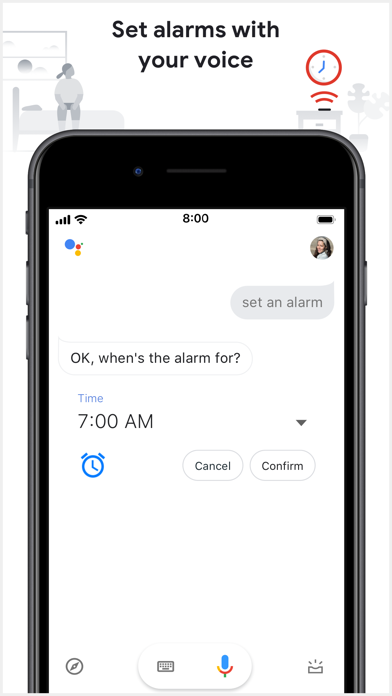
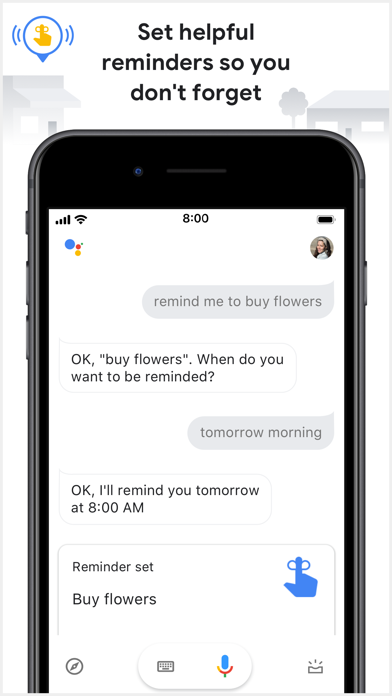
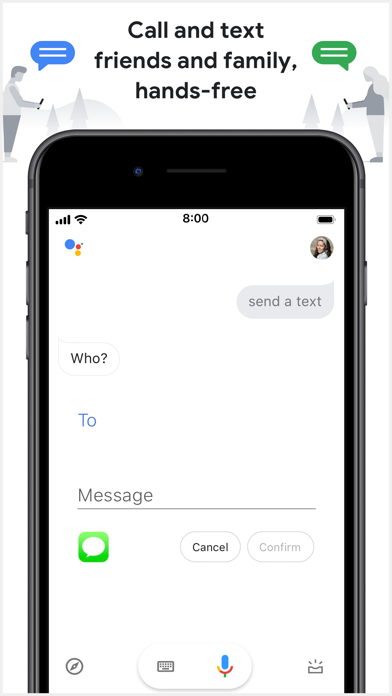
You can ask the assistant to set reminders, send messages, or get navigation. If you use Google Home, you can even ask it to turn on the lights and control your thermostat. You can also use Google Home as an intercom and set alarms using the Home Clock feature. If you create a Google Family group, family members can communicate using the Google Home app from any device, including their phones.


If Google Assistant is turned on without you trying to access it, you can turn off the "OK Google" voice function.


Easily Access Apps with Google Assistant Shortcuts


Google Assistant shortcuts make it easy to access apps and activate their functions using your voice. For example, you can say, "Hey Google, pay my Capital One bill," or "Hey Google, check my Yahoo Finance stocks." The assistant will open the app and complete your task or display the result on your lock screen.


To see all the voice command options for Google Assistant shortcuts, say "Hey Google, shortcuts," and you'll see what else you can do depending on the Android apps you have installed.


Subscription settings offer daily or weekly options. With Google Assistant, you can set up subscriptions for specific information, such as daily weather and traffic updates, news alerts, sports scores, and more. Simply type or say "Show me the weather," and then tap "Send daily" to subscribe.